F1 App Design System: Enabling product team to be as fast and efficient as the drivers on the track.
Design System
Mobile App
The F1 app is the official hub for Formula 1, delivering live race data, breaking news, highlights, results, and season schedules.
Role
Designer
Project Manager
Duration
3 months
Team
4 UX Designers
Tools
Figma
Zeroheight
The F1 app delivers an enormous volume of data and visuals, but without a unified system, this complexity risks turning into inconsistency across screens, features, and teams.
This challenge highlighted the need for a shared design system that could bring clarity, consistency, and speed to how the app is designed and built.
INCONSISTENCY IN DESIGN
Text styles lacked a clear standard, resulting in inconsistent font weight, size, color, and typeface across the app.
With over 30 component variations, text styles were inconsistent across the system, leading to visual fragmentation and increased decision time when designing new components. In several instances, two different text styles were used to serve the same purpose.
Further the app uses three different typefaces; F1 Torque, F1 Regular for titles and headings, and Titilium Web for body.
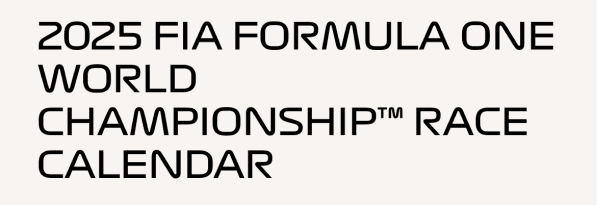
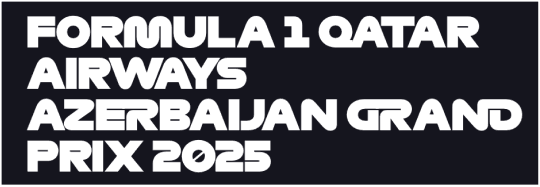
F1 Regular (R) and F1 Torque (L) used for the same heading hierarchy.
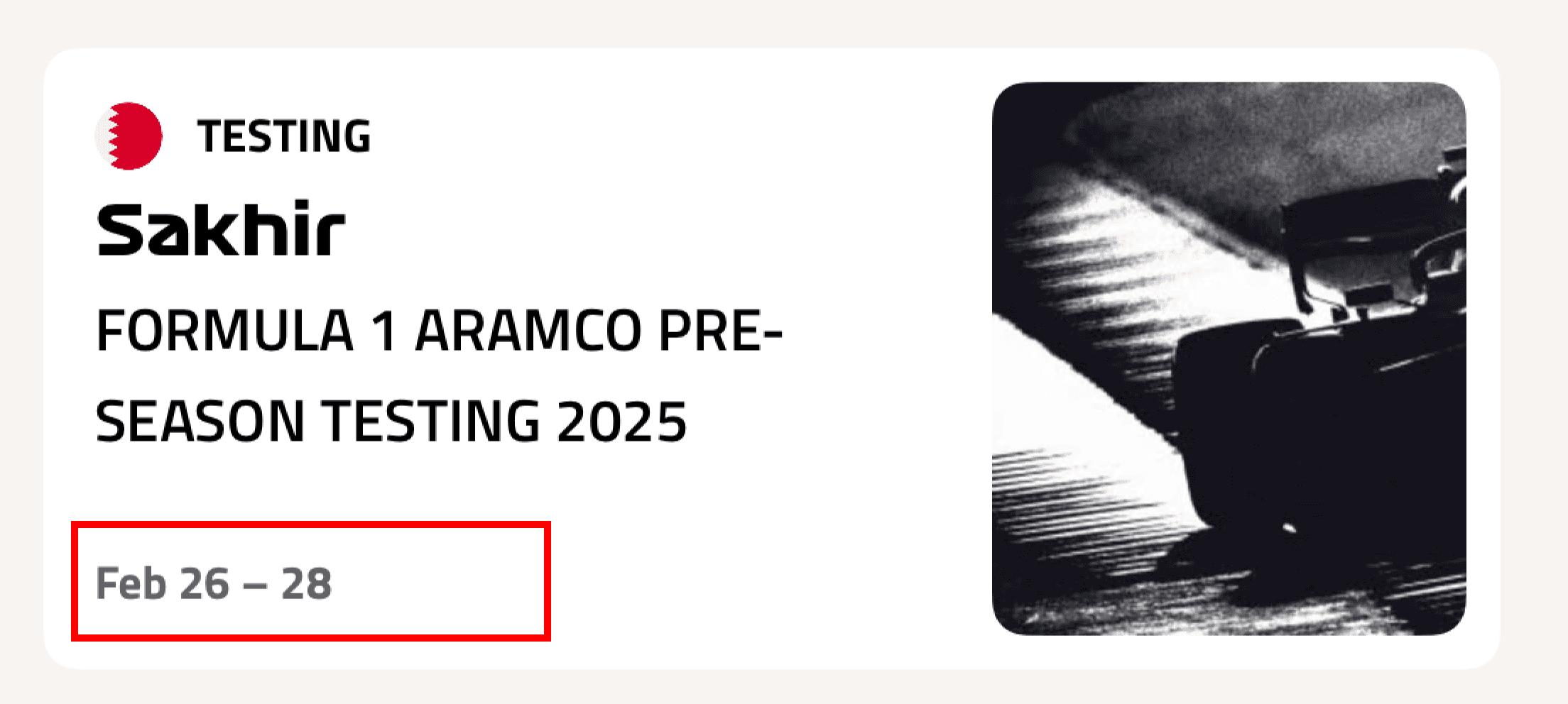
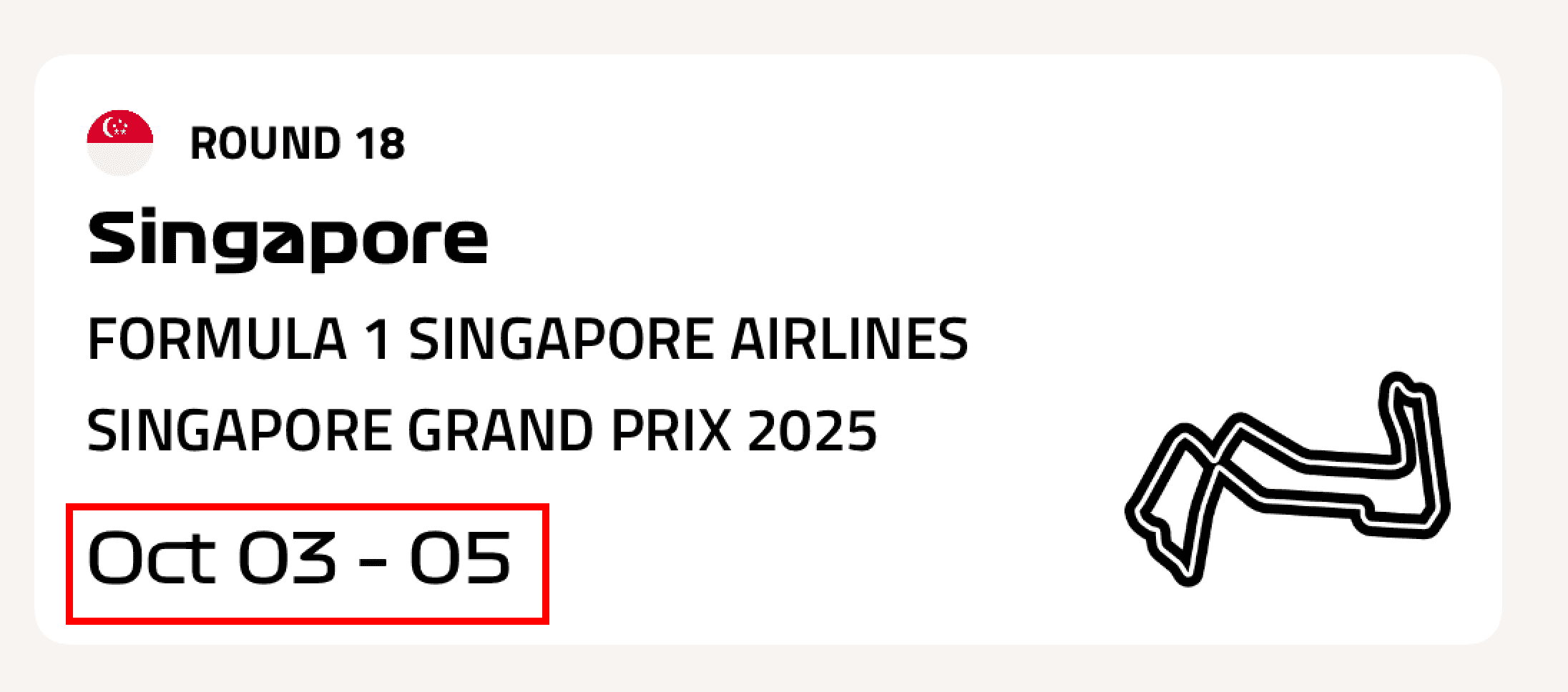
Two different typefaces and font size for 'Date'
Over 20 unique button styles made it difficult to understand the intended purpose of each action.
Multiple external link CTAs existed for the same action, button typography varied without a clear rationale, and the number of unique button styles grew to over 20. This lack of consistency weakens the product team's ability to reuse buttons.

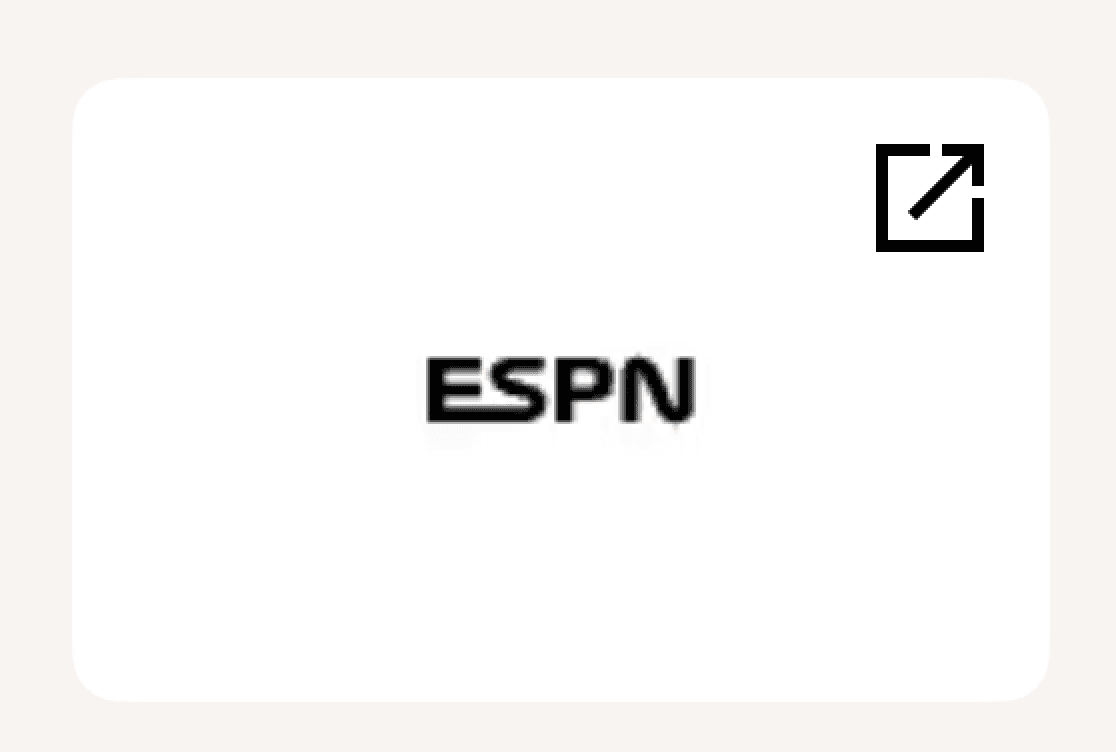
Different button designs for external links


Difference in text-styles for tertiary buttons
REDUNDANCY IN DESIGN
Inconsistent driver profiles and misaligned team colors disrupted visual hierarchy and weakened team-to-driver recognition.
Driver profiles lacked visual consistency due to multiple headshot variations and inconsistent use of team colors. Four different headshot treatments appeared across similar contexts, while profile colors often failed to align with team color systems, weakening the visual connection between drivers and their teams.
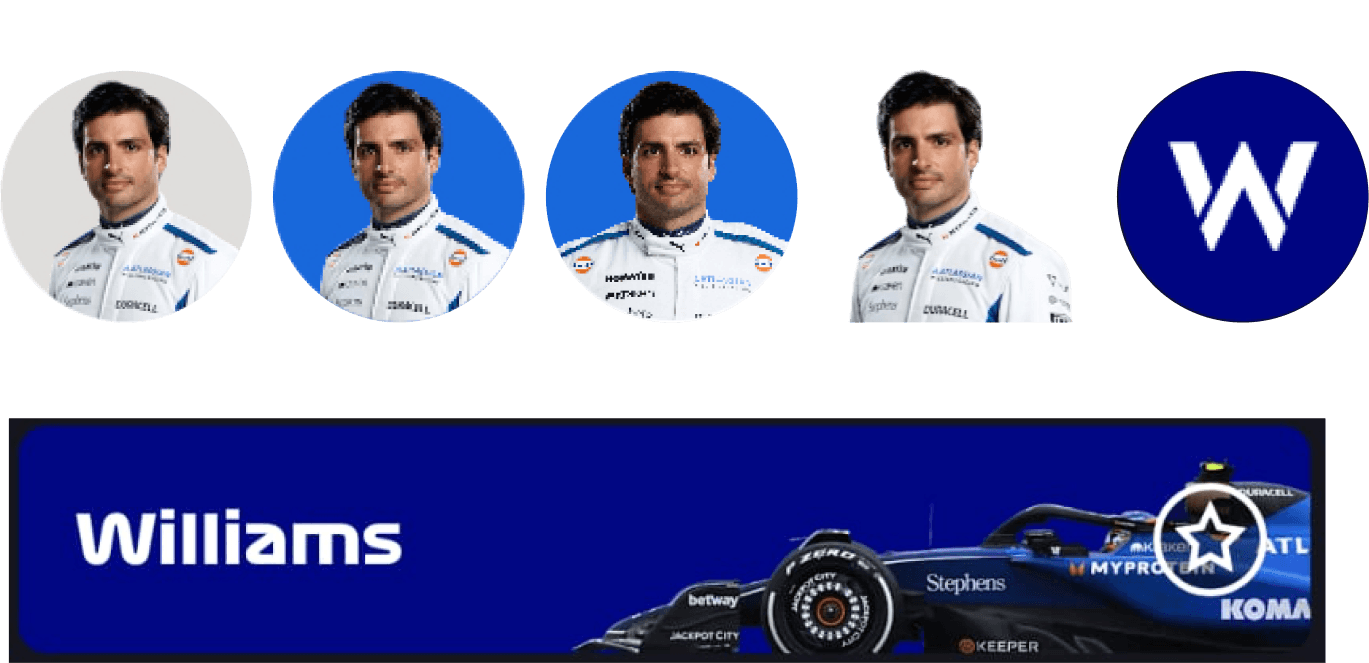
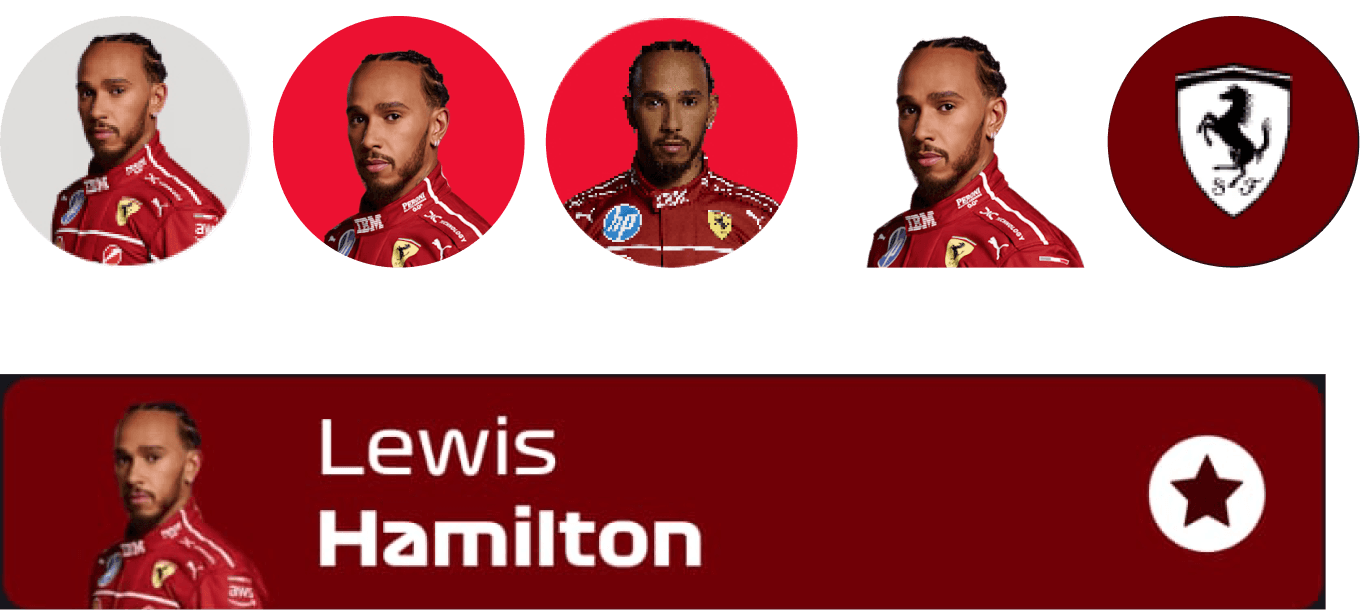
One too many headshot variations and mismatched team colors
These inconsistencies extended to other components, including tabs and icons, impacting overall cohesion.
Inconsistencies extended even to smaller components across the app. For example, two tab variations were used to serve the same purpose on both the Results and Fantasy pages.
Similarly, icons lacked a unified system, with variations in size and style suggesting the absence of a single icon set. This was further evident in cases where the same icon, such as the flag or external link, appeared in multiple visual forms.


Two variations of the tab component on different sections of the app. Results(T) and Fantasy (B)
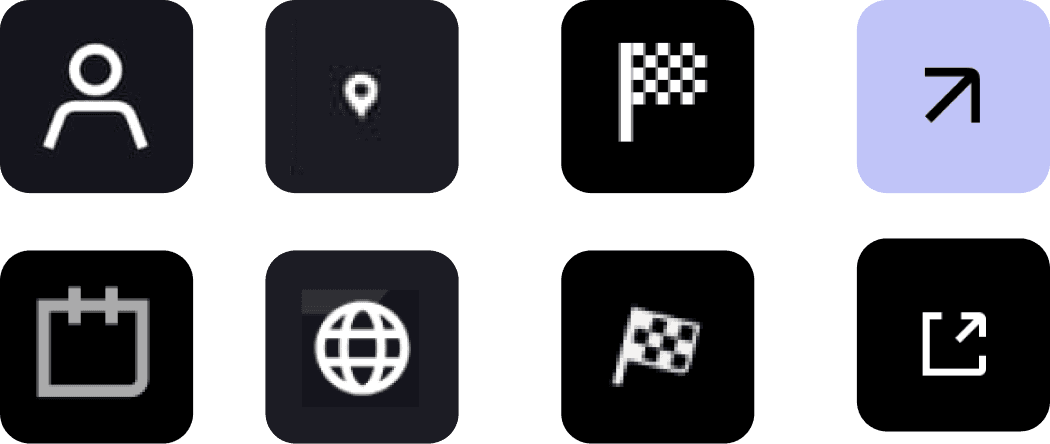
Inconsistent icon sizing and styling, along with multiple variations of the same icon
INACCESSIBILITY IN DESIGN
Inconsistent color and contrast decisions created accessibility gaps and reduced visual coherence.
In some instances, low contrast between interactive elements and their backgrounds compromised accessibility. For example, the favorite icon lacked sufficient contrast against team banners, making it harder to identify and interact with. Additionally, the inconsistent use of a pure black background across screens affected readability and weakened overall visual consistency.

Low contrast between the favorite icon and the car background reduces visibility.
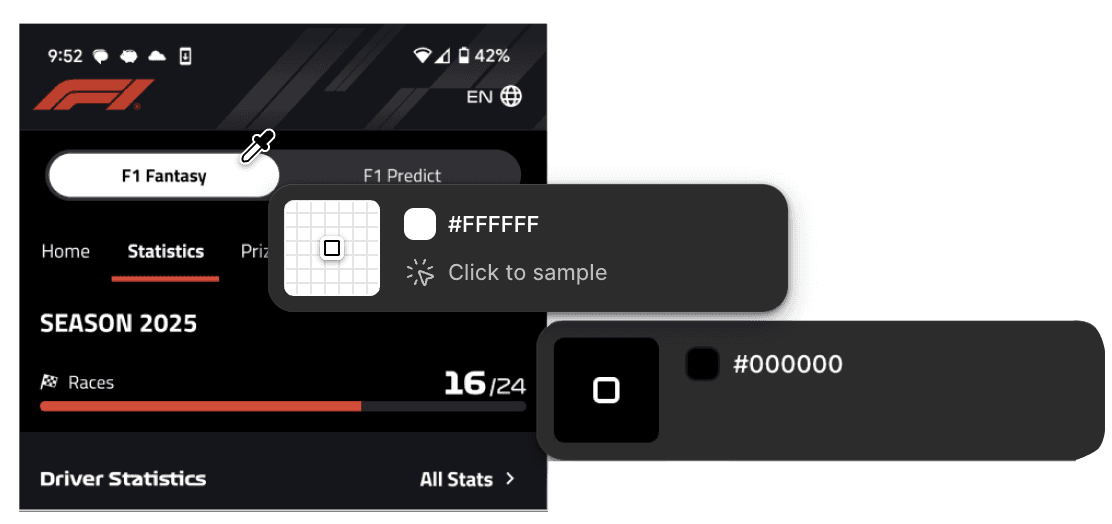
Use of pure values of black and white causing eye strain owing to high contrast.
Introducing PRNDL — F1's Design Sytem
TYPOGRAPHY
Defined and streamlined typography
The app was streamlined to use two typefaces: Orbitron for headings and Titillium Web for body text.
Heading styles were standardized into four sizes, while body text was limited to six sizes with two weight variations.
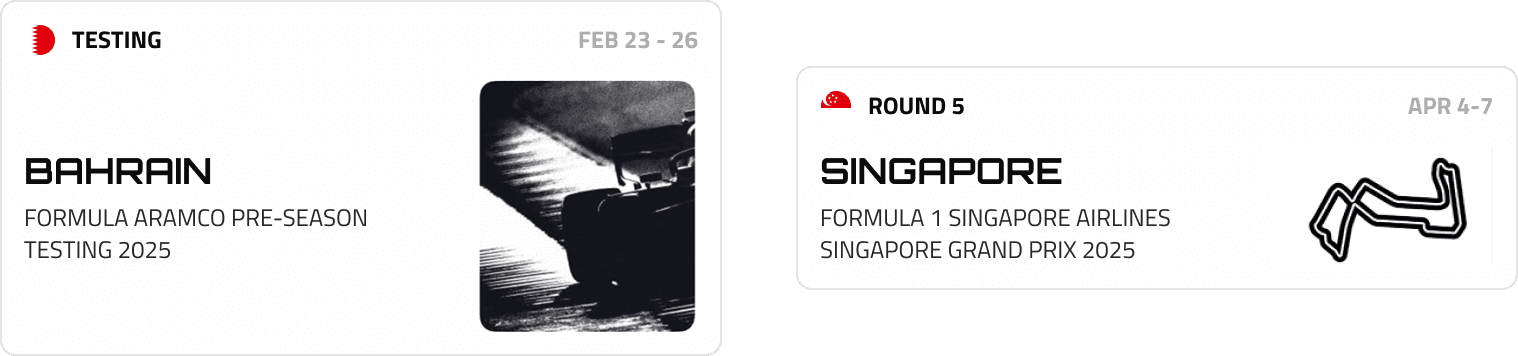
Date font remains consistent across all component variations
BUTTONS
Reduced button variations from +20 to 8
The app was streamlined to use two typefaces: Orbitron for headings and Titillium Web for body text.
Heading styles were standardized into four sizes, while body text was limited to six sizes with two weight variations.
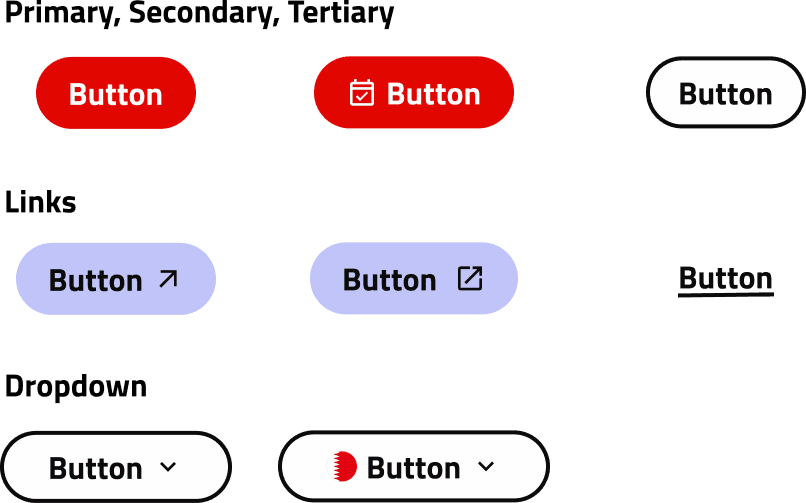
Variants of PRNDL's Button designs
OTHER COMPONENTS
Eliminated redundancy by standardising repeat components
We removed duplicate components across the platform, and established a unified icon system using Material Design’s icon set.
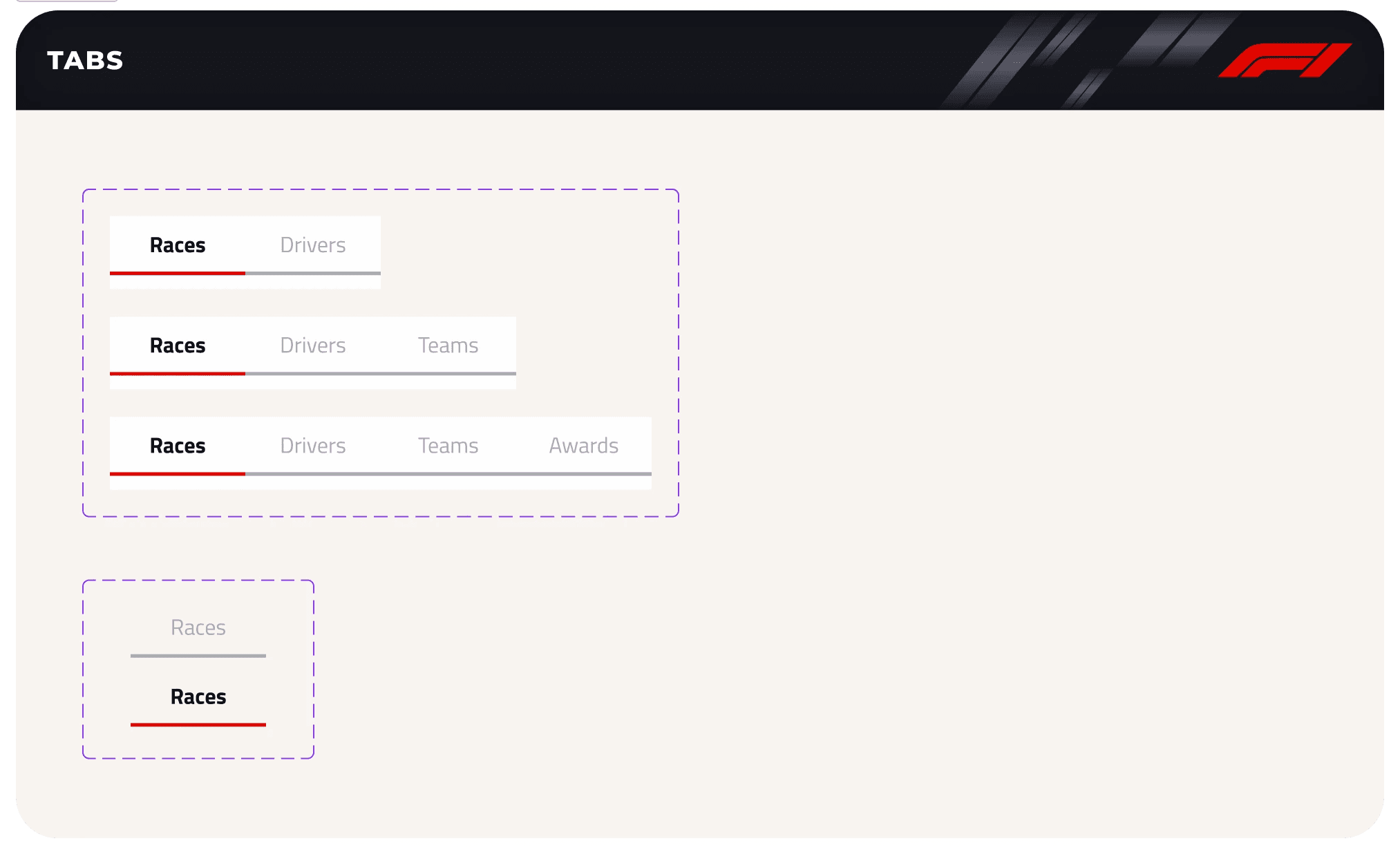
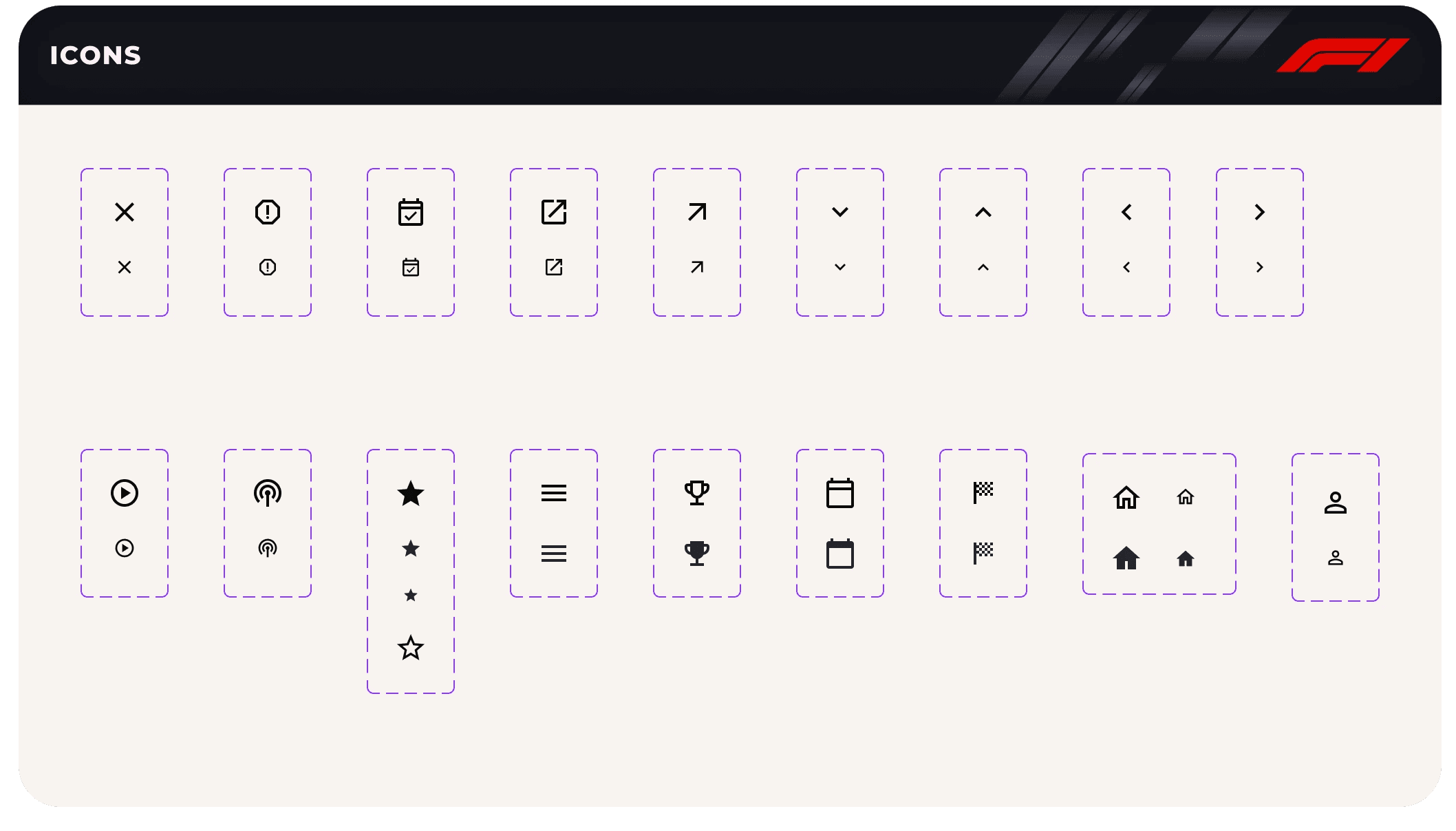
Tab and Icon component of the UI Kit
TEAMS & DRIVERS
Defined a unified color for teams and their drivers.
Driver profiles were reduced from 4 different variations to 2 with and without background.
Further, we deifned the tokens for the team colors so it stay consistent across drivers and team components.
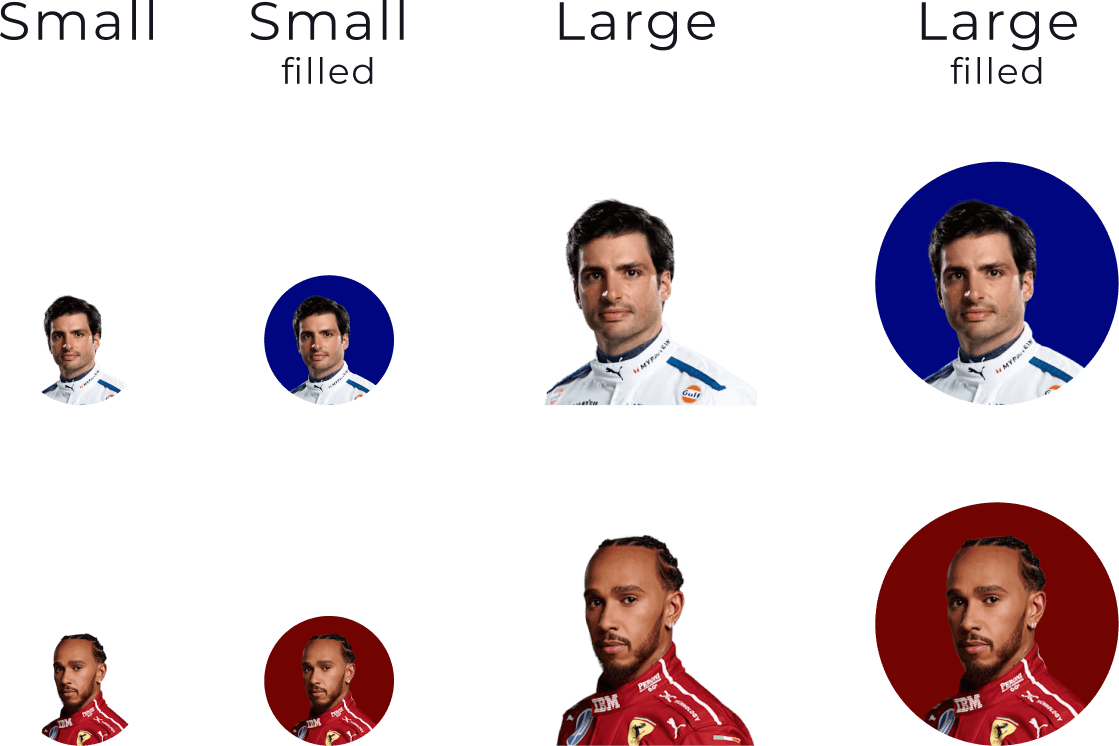
Size-based variations with default and filled states
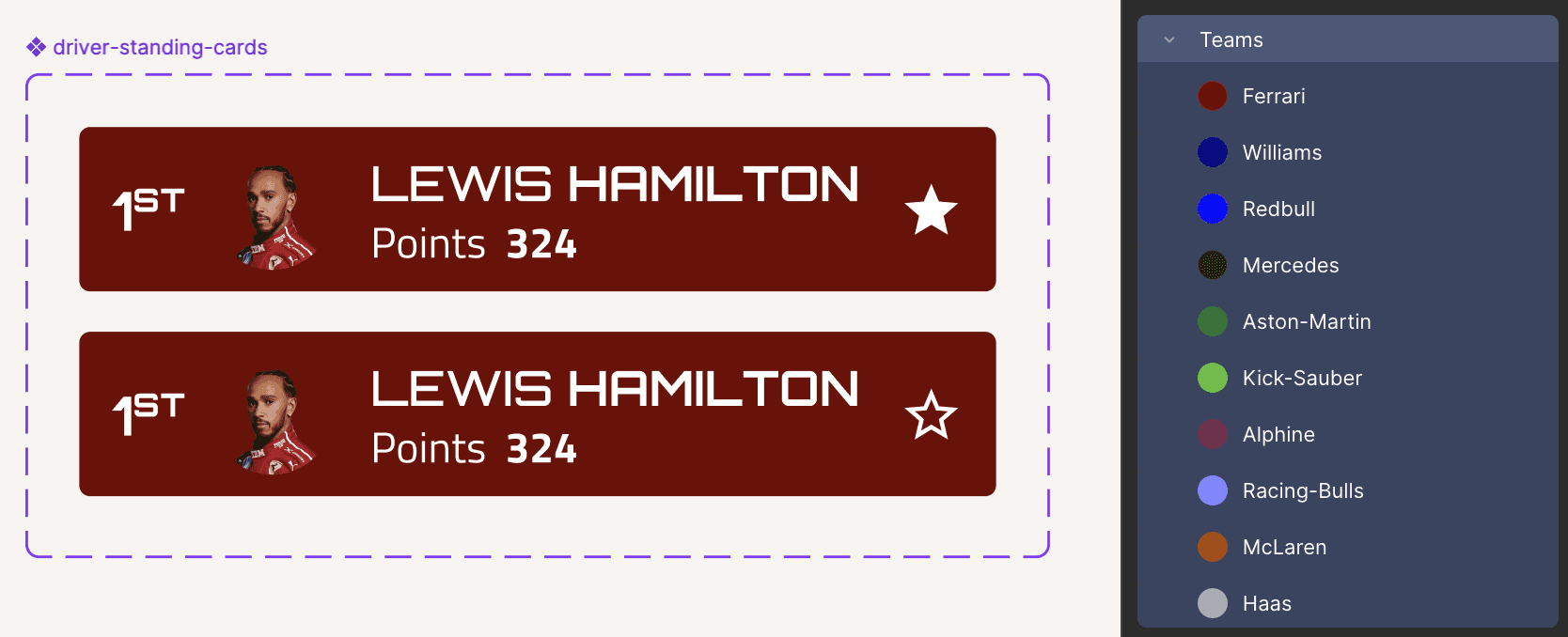
Team color tokens that can be used for driver components
ACCESSIBILITY
Fixed contrast issues by either adjusting color or repositioning atoms
Accessibility issues related to contrast were addressed by refining color values and, where necessary, repositioning key UI atoms to improve visibility.
These adjustments ensured interactive elements met contrast requirements while remaining consistent with the overall visual system, resulting in clearer affordance and improved readability across screens.

Repositioned the Favourite icon to the area of the component with solid surface
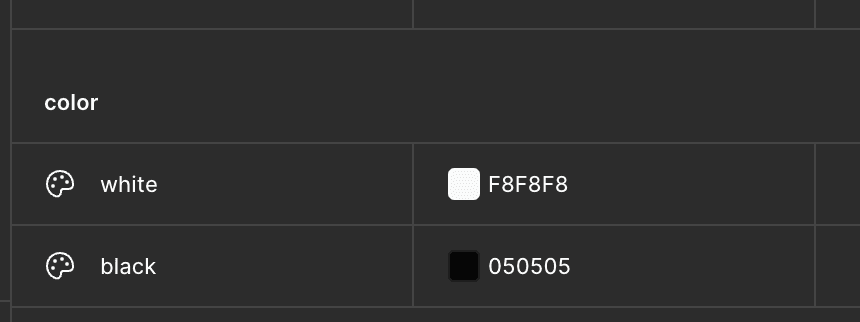
Adjusted base white and black color values
FASTEST LAP WITH QUICKER DESIGNS
Users can reuse components within patterns and make updates through nesting, eliminating the need to select alternate assets each time.
Selecting the driver component variant in the race schedule component through nesting
By defining team color tokens, nesting rules, and component properties upfront, the UI kit enables designers to design for multiple use cases quickly and confidently.
Selecting the driver component variant in the race schedule component through nesting
TESTING DAY
While the UI logic was largely communicated through component properties, usability testing revealed lack of clarity in UI foundations
After creating the first draft of the UI Kit on Figma, our team tested out the use of the system with a designer. The user was able to create a screen using the components pretty quickly without the need to intervene. However, there were moments of hesitation and confusion with regards to what spacing and text size to use.
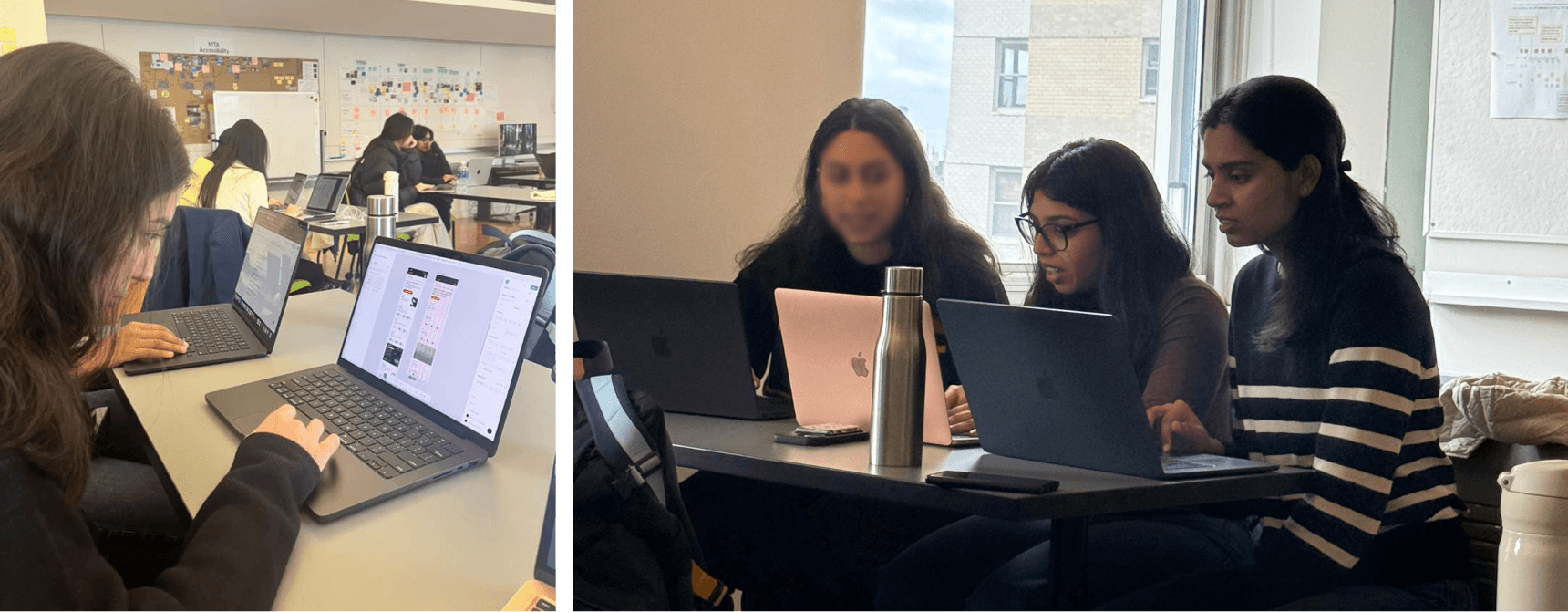
"Hmm, I'm not sure which spacing token to use, so I'm just going to assume and apply based off of my experience"
— Design Participant
SOME UPGRADES
To address the challnege of confusion, we incorporated use cases within the UI Kit and our documentation.
These will help designers get an idea on the purpose of the spacing and text tokens — thus reducing confusion and enabling user agency.
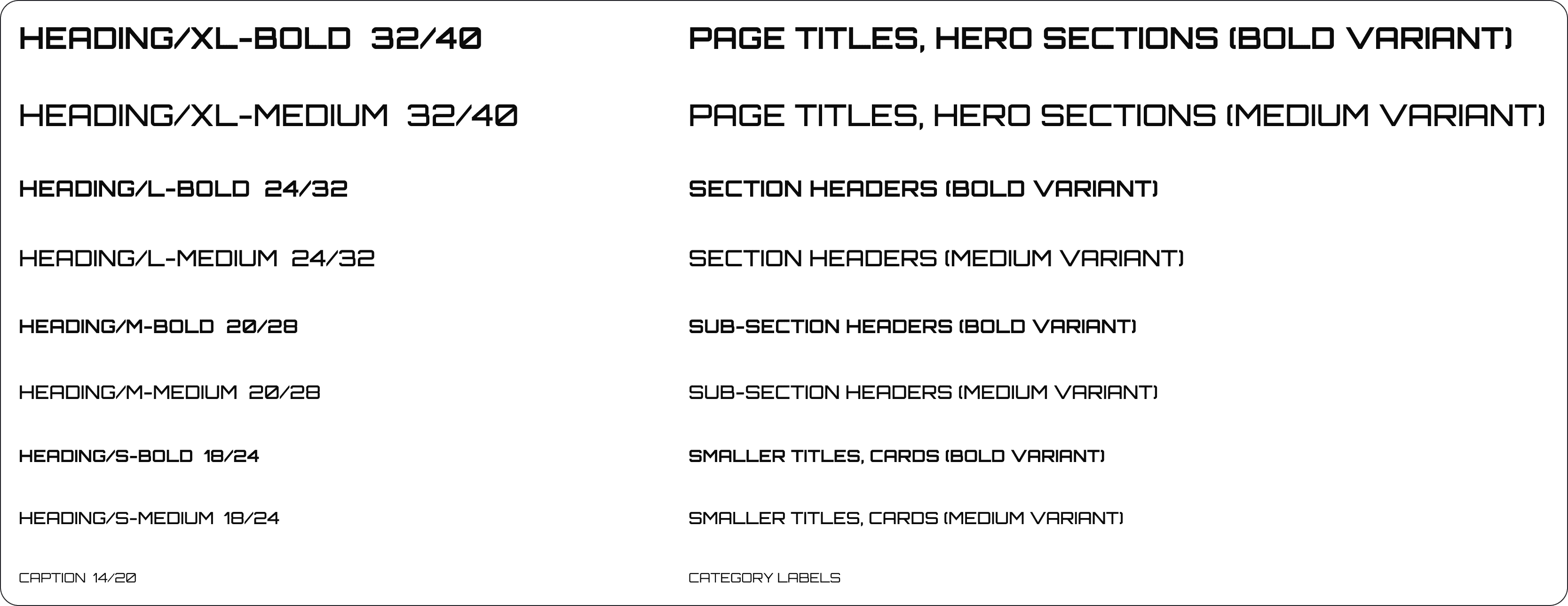
Typography use cases
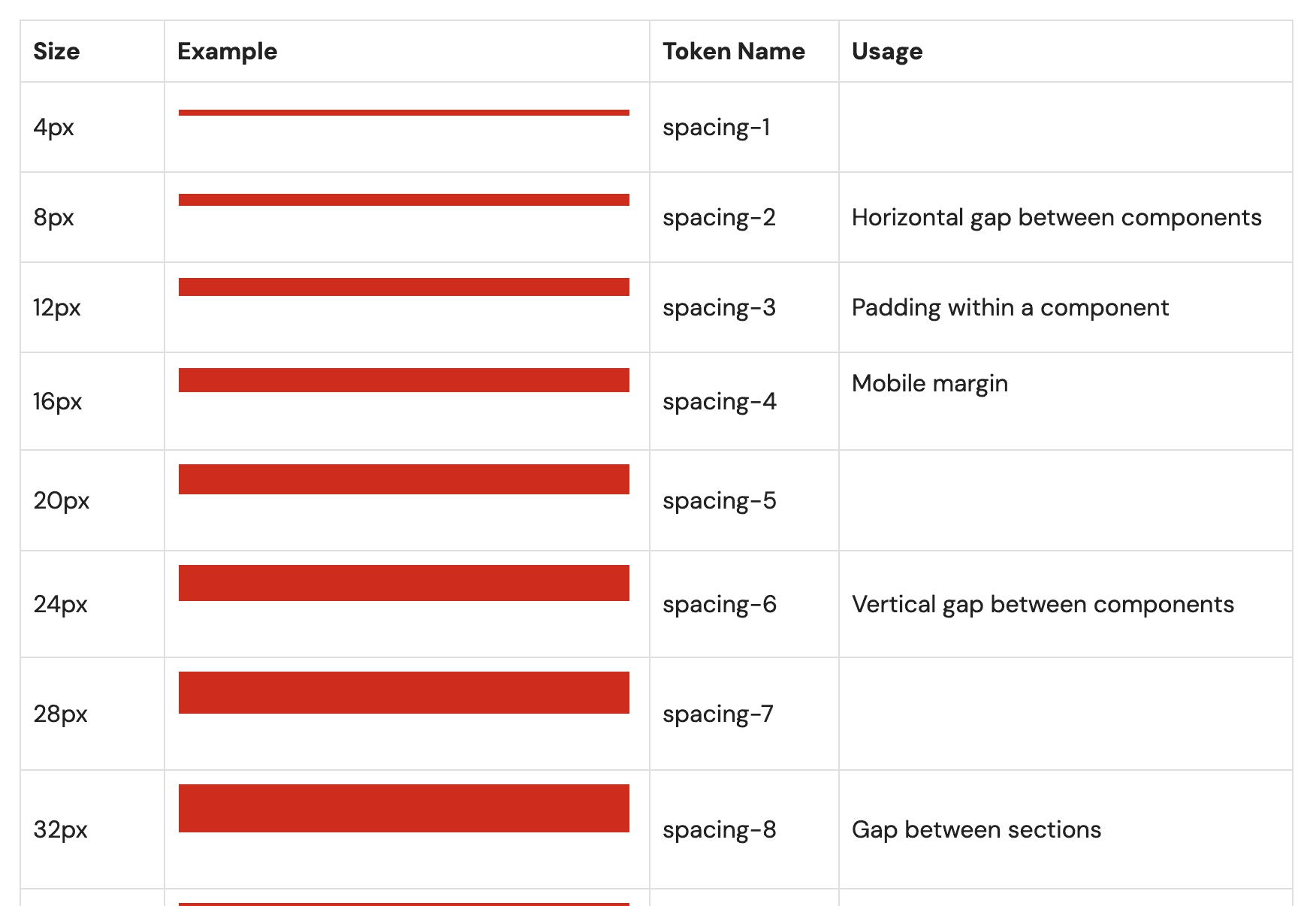
Spacing usage guidelines
YOUR PIT-STOPS!
To support adoption and reuse, we developed a comprehensive Figma UI kit alongside clear design system documentation. Together, these serve as a central reference for designers to understand standards, patterns, and best practices when designing for the F1 app.
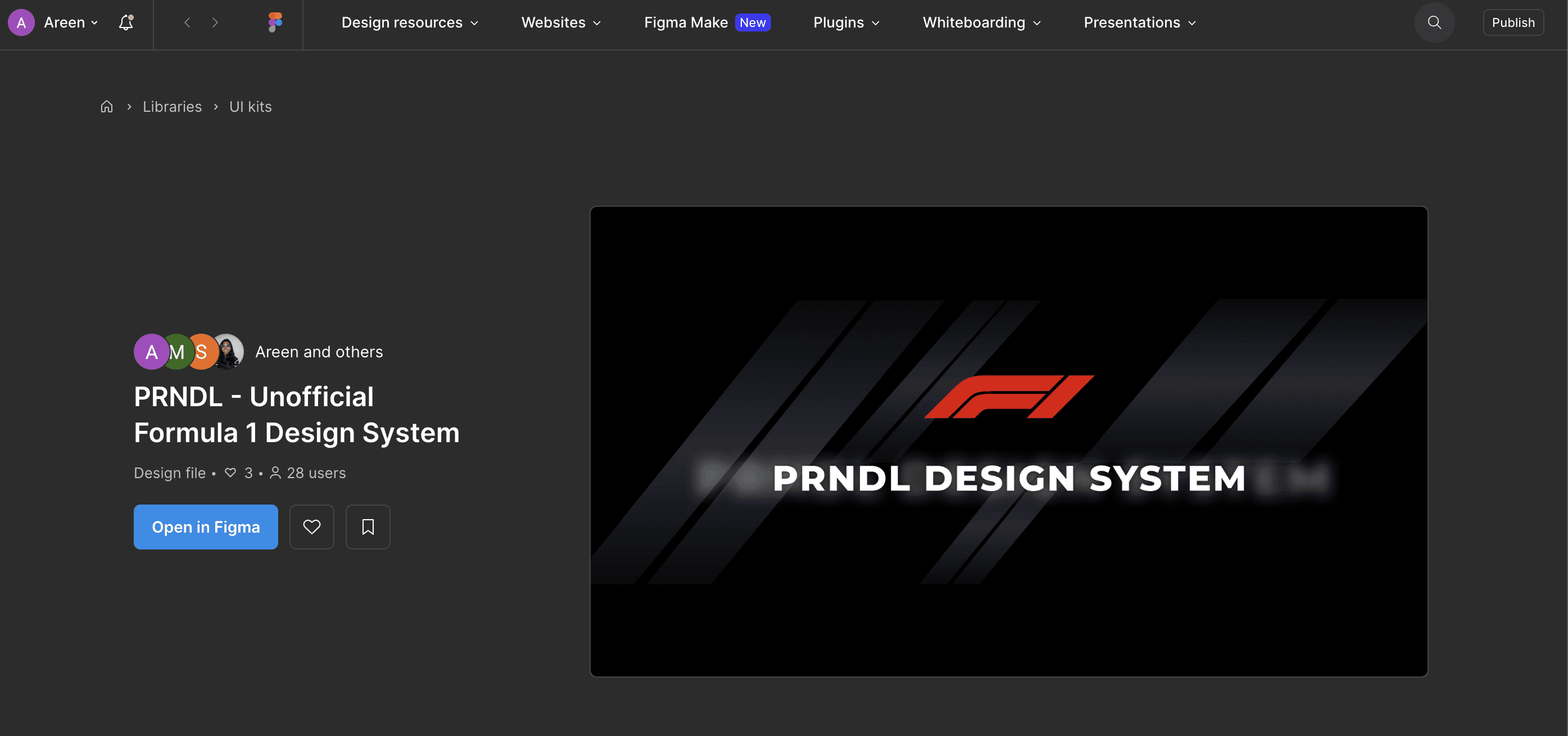
Figma - UI Kit
Our open-source Figma UI Kit includes all our components, patterns, and tokens.
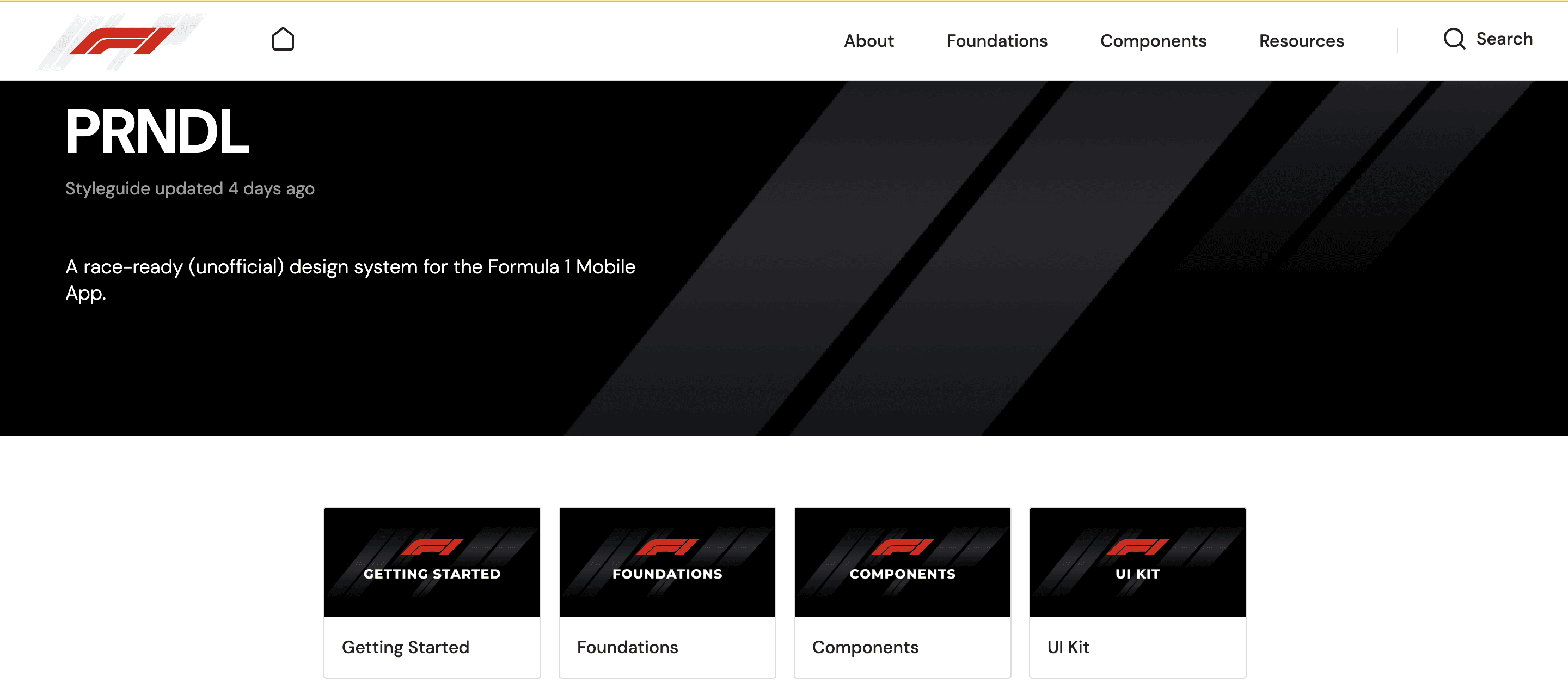
ZeroHeight - Documentation
Hosted the documentation for further details on the Design System and use of components
FINAL LAP!
We concluded our sprint with a pitch to our hypothetical stakeholders — in this case — the product team inlcuding PMs, Designers, and Developers
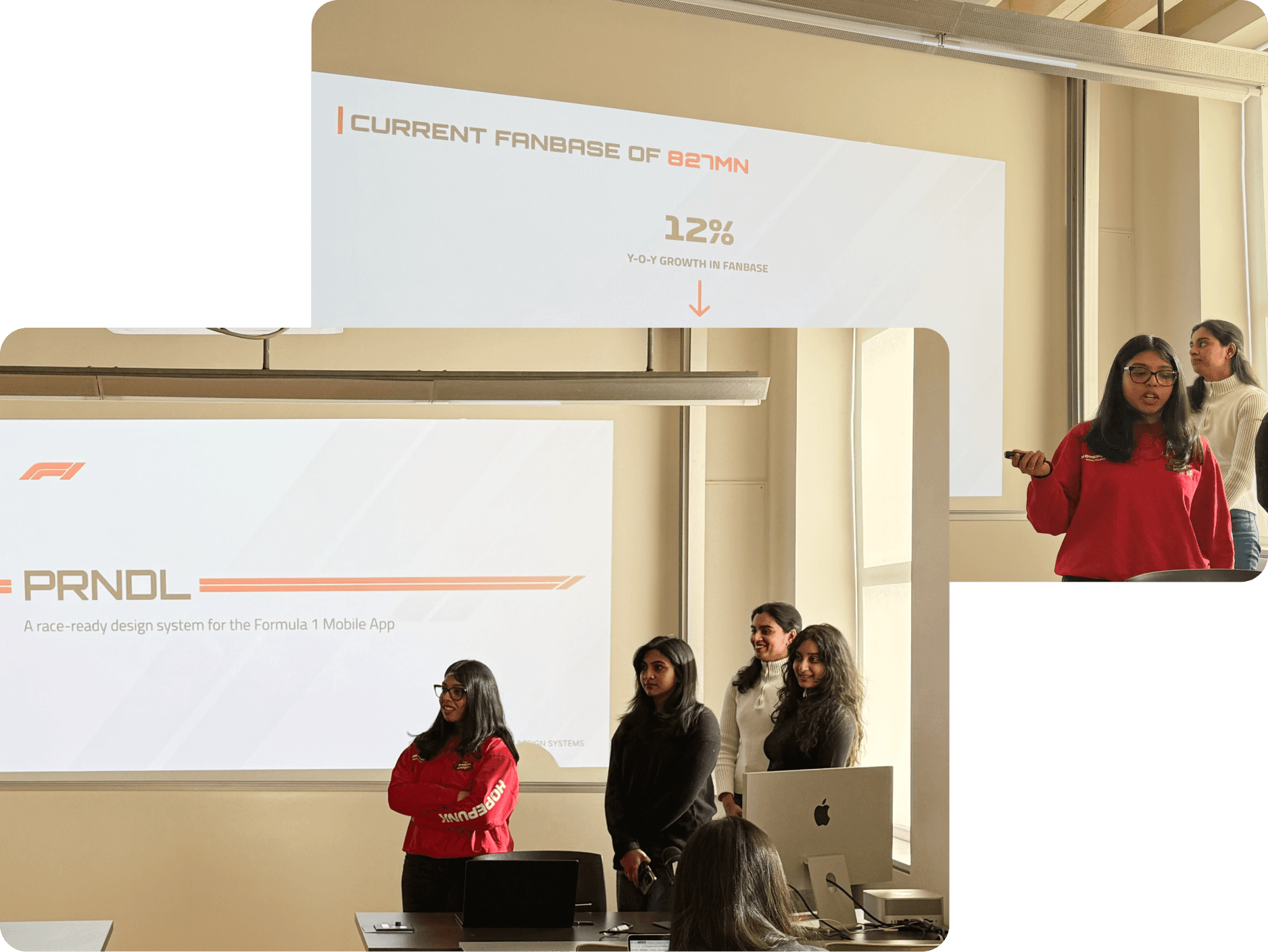
Pitch Day!
THE PIT-CREW
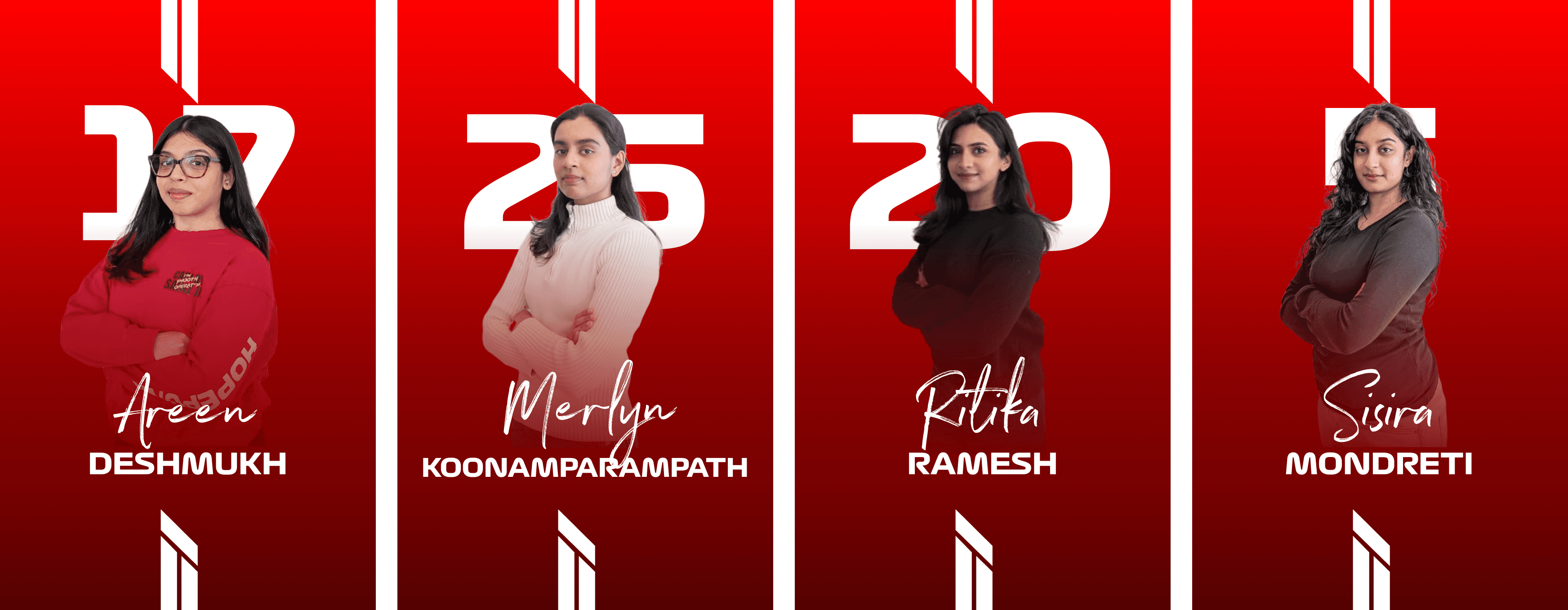
Shoutout to our Team Principal — Prof. MacDonald!
To creating design systems that eliminate yellow flags and keep teams moving at race pace.
You can reach out to me at areen.skd@gmail.com
Copyright © 2025 Areen Deshmukh | Last updated Dec 2025